Car Parking Master 3D controls
| Action | Keyboard / mouse |
|---|---|
| Accelerate | W or Up arrow |
| Brake and reverse | S or Down arrow |
| Steer | A and D, or the Left and Right arrows |
About Car Parking Master 3D
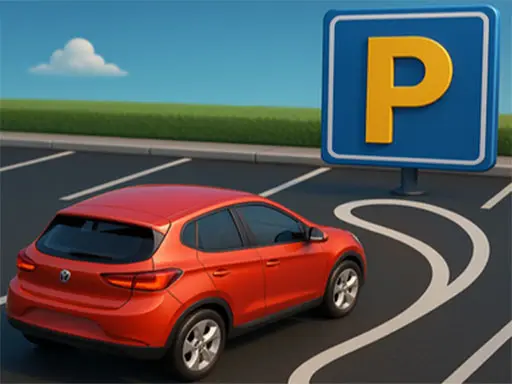
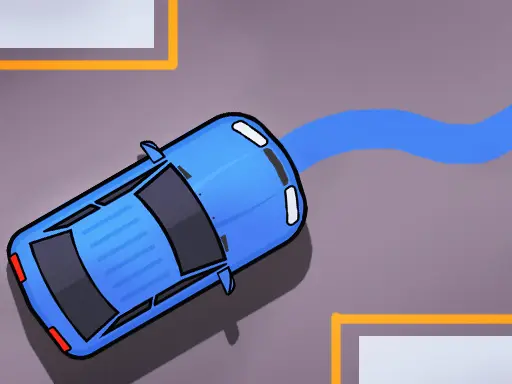
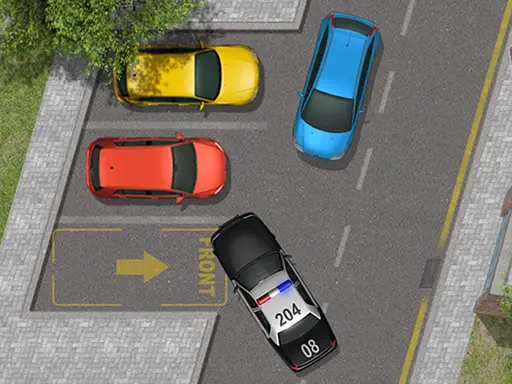
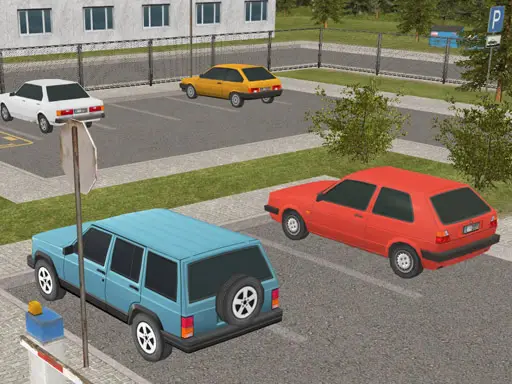
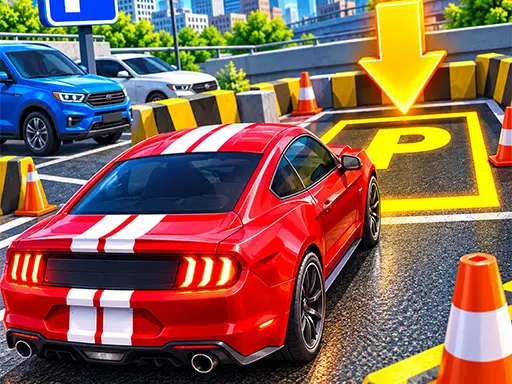
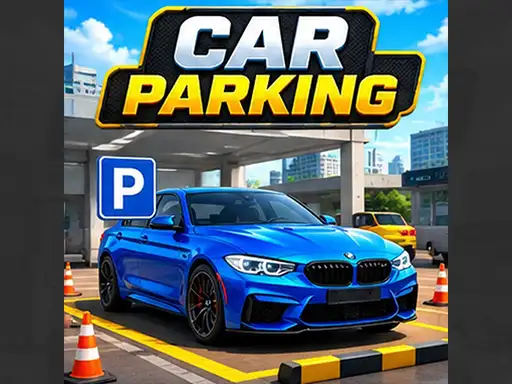
Car Parking Master 3D challenges you to become a true parking expert. Across a series of levels, you drive realistic cars through car parks and city environments, following the signs to a target spot and parking it with care. Obstacles stand in the way, the spaces get tighter and the routes become more awkward as you advance.
The game combines realistic 3D graphics with smooth, simple controls, so it looks like a driving simulator but feels easy to pick up. Multiple cars and environments add variety: a compact car and a larger one need very different approaches to the same space.
How to play Car Parking Master 3D
Controls
Accelerate with W or the Up arrow, brake and reverse with S or the Down arrow, and steer left and right with A and D or the arrow keys.
Following the signs
Each level guides you with signs pointing the way to your parking spot. Follow them carefully: taking a wrong turn wastes time and can lead you into a dead end full of obstacles.
Completing the challenge
Park precisely in the target spot to finish the level. Touching obstacles works against you, so treat every barrier and parked car as something to avoid at all costs.
Tips to become a parking master
- Read the route first. Take a moment at the start to see where the signs lead.
- Brake before you turn. Turning at speed makes the car swing wide.
- Adjust for the car size. Bigger cars need wider turns and more space to straighten up.
- Reverse when needed. Backing up and trying again is always better than scraping an obstacle.
- Keep calm on tight spots. The last metre is where most mistakes happen, so go extra slowly.
More than one way to park
Some levels reward driving straight in, while others are easier if you reverse into the space. Experiment with both approaches when a level feels impossible: the solution is often to change the angle, not to try harder. Reversing in usually gives you a clearer view of the lines as you finish, while driving in forwards is quicker when the space is wide and easy to reach.
Getting to know each car
Each car changes the feel of the game. Shorter cars turn tightly and fit through narrow gaps, while longer ones need extra room to swing round and straighten up. When you unlock a new car, take it through an early level you already know before tackling anything new. Learning its turning circle on familiar ground saves a lot of frustration later on.
Who will enjoy it
This game is ideal for players who like a clear goal and steady progression. For a calmer, more precise challenge, try Precision Parking: City Driver, or test yourself against the clock in Parking Slot. There are plenty more to try in our parking games.