


Car Games for Mobile & Tablet

18 free games

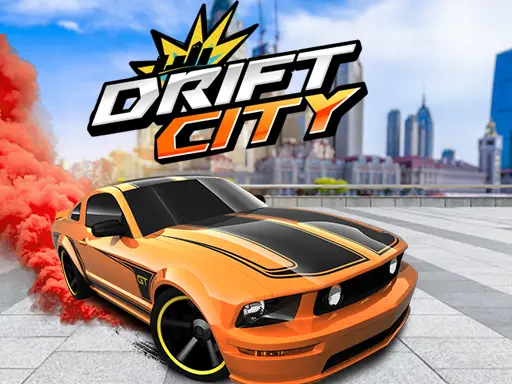
Not every browser game copes with a touch screen, so this page lists only the car games whose publishers support phones and tablets. Each one opens straight from the page in Safari or Chrome, with on-screen pedals, tap-to-turn controls or swipe gestures instead of a keyboard. There is nothing to download from an app store and no account to create, which also means nothing taking up space on your phone. You will find portrait games built for one thumb, like Park Them All, alongside bigger 3D worlds such as Drift City and Drive Zone that are best enjoyed on a tablet held sideways. Some drift, some race and some ask you to park a lorry between the lines. Every game page tells you exactly how the touch controls work, how long a typical run lasts and whether the game is better in portrait or landscape, so you can pick the right one for a bus journey, a queue or a sofa.

Top picks

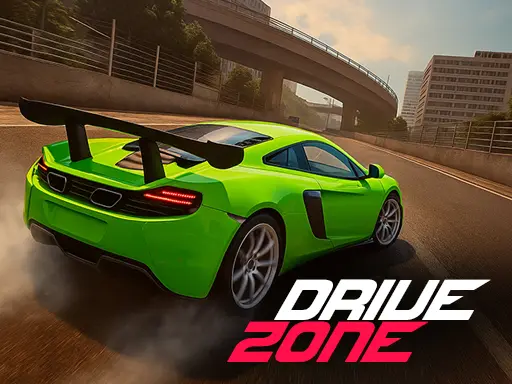
  1. A green sports car racing on a city road under the Drive Zone logoDrive Zone
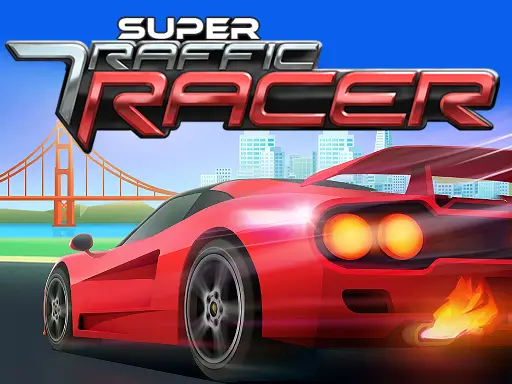
  2. A red sports car speeding past a truck on a sunny highway under the Super Traffic Racer logoSuper Traffic Racer
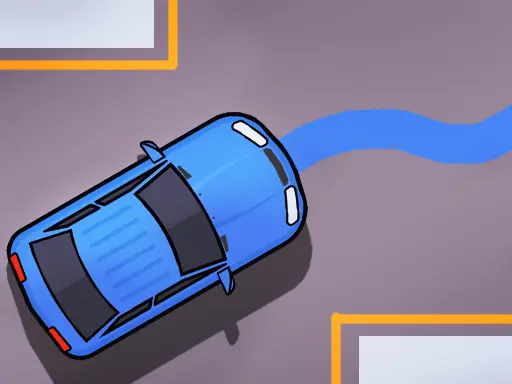
  3. A blue car following a drawn line towards its parking spaceDraw The Car Path

What makes a car game work well on a phone

Driving on a touch screen is a different skill from driving with a keyboard. There is no physical key under your finger, so the best mobile games keep the controls few and generous: a big area to tap for each direction, pedals on the edges of the screen, or a single gesture that does most of the work. Games that need five or six keys at once rarely feel good on glass, which is why we keep this page to titles whose publishers designed touch controls for them. That makes them the best car games for phone and tablet players, and the easiest way to enjoy car games on mobile without installing an app.

One-thumb games for short breaks

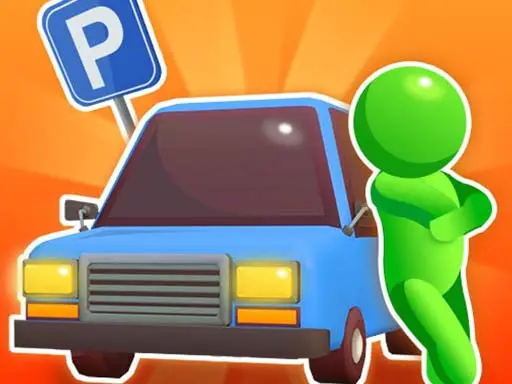
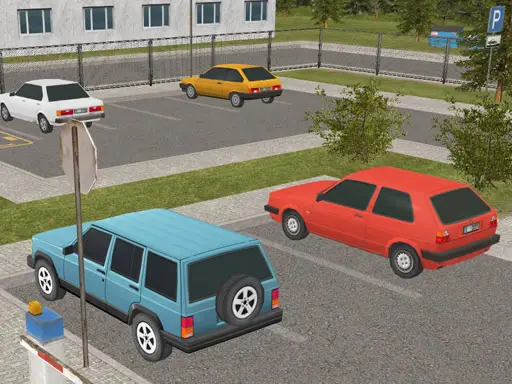
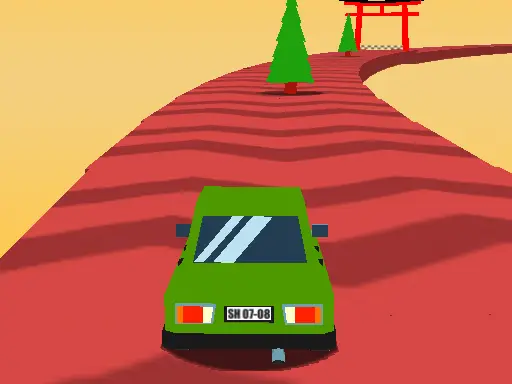
If you only have a minute, choose a game you can play with one hand. Park Them All is built in portrait and needs nothing but taps, while Twisty Roads and Kigali Drift King only ask you to touch the left or right half of the screen. Park The Taxi has short levels that suit a queue or a bus stop.

Bigger games for a tablet

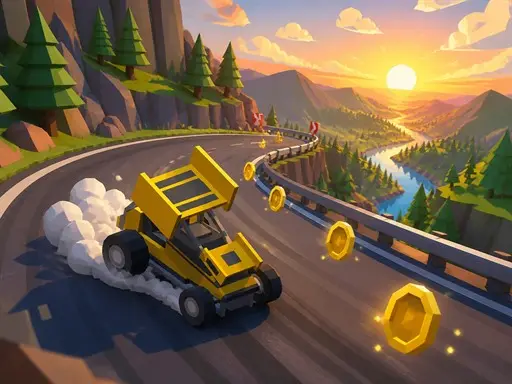
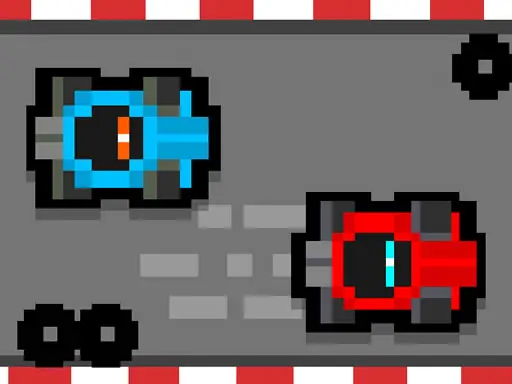
3D games with several on-screen buttons are more comfortable on a larger screen held sideways. Drift City gives you a whole city to slide around, Drive Zone switches between asphalt, rally and 4x4 driving, and Neon City Drift Racing adds on-screen nitro and brake buttons. Pixel Kart even lets two players race on the same tablet.

Racing, drifting and parking on the go

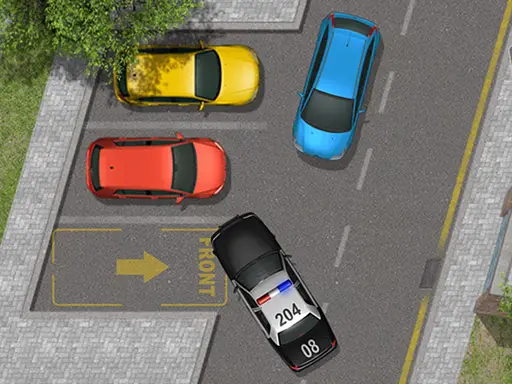
For a quick race, Stock Car Hero and Grand Prix Hero need nothing more than a thumb on each side of the screen. Drift fans can try Drifty Master with its 200 levels, and Parking Slot is a patient challenge for anyone who prefers precision to speed.

Tips for playing on a phone

  • Turn off auto-rotate for portrait games, so the screen does not flip mid-run.
  • Use Wi-Fi for big 3D games: they download more on first load.
  • Close other tabs if a game stutters; phones share memory between tabs.
  • Rest your thumbs at the edges where the controls are, rather than covering the road.

For games that run best on a computer with a keyboard, browse our driving games or racing games.

Every mobile car game at a glance

GameDeveloperDifficultyTypical runMobile
Draw The Car Path–Easy–Yes
Drift CityMeyagamesMedium5–15 minutes (free roam)Yes
Drifty Master–Medium–Yes
Drifty Road Rush–Medium–Yes
Drive Zone–Medium–Yes
Grand Nitro FormulaCursoraLabsMedium3–6 minutes per raceYes
Grand Prix Hero–Easy–Yes
Kigali Drift King–Easy–Yes
Neon City Drift Racing–Medium–Yes
Park The Police Car–Easy–Yes
Park The TaxiSDV Imants KlavaEasy1–2 minutes per levelYes
Park Them All–Easy–Yes
Parking Slot–Easy–Yes
Pixel Kart–Easy5 laps per raceYes
Stock Car Hero–Easy–Yes
Super Traffic RacerTapTapKingMedium–Yes
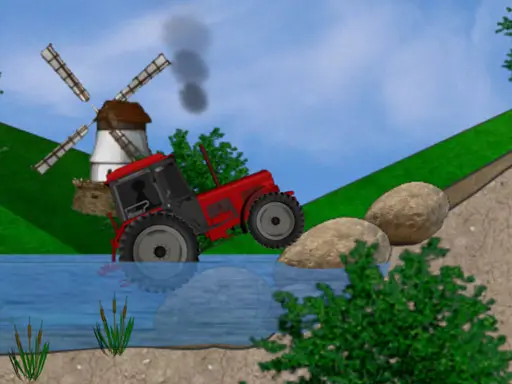
Tractor Trial–Medium–Yes
Twisty Roads–Easy–Yes

Mobile Car Games: your questions answered

Do I need to install anything to play these car games on my phone?

No. They run in your phone's web browser. Open the game page, tap Play now and the game loads in the page, with no app store and no account.

Should I hold my phone in portrait or landscape?

Most 3D driving games are easier in landscape, because you see more of the road. Park Them All is the exception: it is designed for portrait and one-thumb play.

Why is a game I like not on this page?

We only list games whose publishers officially support touch screens. Others may partly work on a tablet, but their controls usually need a keyboard.

Do mobile car games use a lot of data?

Larger 3D games download more when they first load, so use Wi-Fi for those if your data allowance is small. Simple 2D games load much faster.