Drift City controls
| Action | Keyboard / mouse | Mobile |
|---|---|---|
| Drive and steer | W, A, S, D or arrow keys | On-screen controls |
| Handbrake | Space | Handbrake button |
| Nitro | F | Nitro button |
| Change camera | C | Camera button |
| Lights | L | – |
Watch Drift City gameplay
A first look at the city: choosing a car in the garage, then drifting through the streets to build a score.
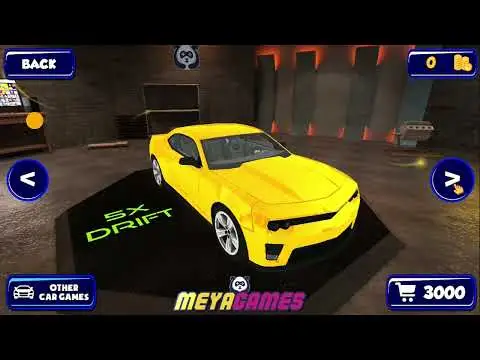
Video by Batman's Left Nostril on YouTube. Pressing play loads YouTube in privacy-enhanced mode, which may set cookies. See our cookie policy.
About Drift City
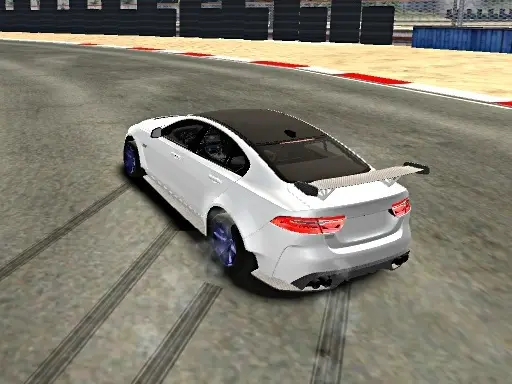
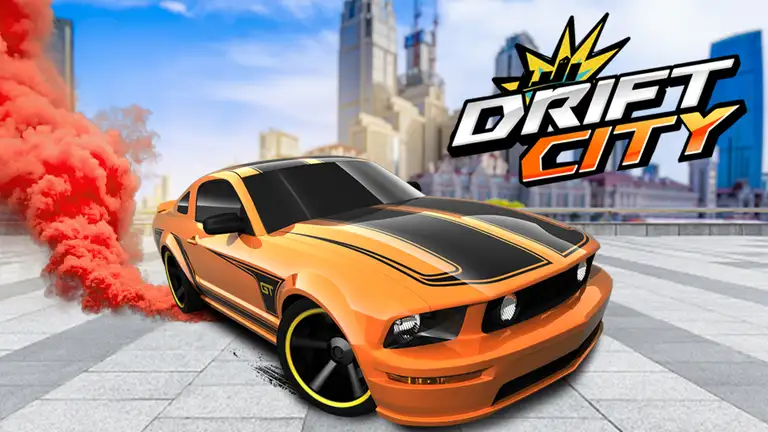
Drift City gives you a whole city as a drift playground. There are no tracks or laps: you roam the streets, throw the car sideways at junctions and roundabouts, and earn drift points for every slide. The game describes itself as a realistic drift simulation, so the cars have weight and momentum, and controlling the slide takes practice. If you want a drift simulator rather than a one-button arcade game, this is a good place to start.
Progress comes from points. Spend them on new cars (six in total), work through 30 achievements and look out for drift bonuses that appear in the city for a limited time. Four camera views let you watch the action from different angles.
How to play Drift City
Driving and drifting
Drive with W, A, S and D or the arrow keys. Use Space for the handbrake to kick the rear of the car out, then counter-steer to hold the drift.
Nitro and cameras
Press F for nitro when you need extra speed to set up a long drift. C cycles through the four camera views, and L switches the lights on and off.
Bonuses and achievements
Bonuses appear for a short time in different parts of the city. Collecting them increases your drift score. Achievements reward exploration and skill.
Tips to become the drift king
- Use roundabouts. They let you hold one long drift instead of several short ones.
- Handbrake briefly. A short tap starts the slide; holding it kills your speed.
- Chase the bonuses. Plan your route through the city to pick them up while they are active.
- Save for a better car. More power makes long drifts easier.
- Try the camera views. A higher camera makes it easier to see where the slide is taking you.
A route for your first session
Drift City has no set route, so it helps to make one. Start on a wide main road and practise holding a slide in a straight line using small steering corrections. Then find a large junction or roundabout and try a full circle. Once you can complete a circle without spinning, link two corners together. This progression builds the three core skills of drifting (holding the angle, controlling the throttle and transitioning) in a city that never forces you to restart.
Points, cars and achievements
Every new car is bought with drift points, so the faster you improve, the faster your garage grows. The 30 achievements are a good checklist of things to try that you might not think of alone.
Who will enjoy Drift City
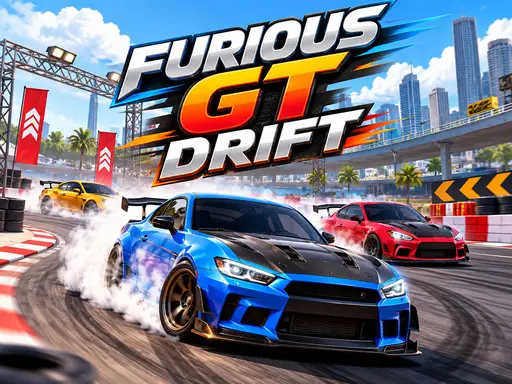
Drift City suits players who like free-roam games and want to improve their technique without the pressure of a lap timer. For a mission-based challenge, try Furious GT Drift, or for an easy two-button run, play Kigali Drift King. See all our drifting games.
Games like Drift City on mobile
There is no official Drift City app, but you can play it right here in your browser. If you would rather have an app on your phone, these free games on the App Store and Google Play offer a similar experience:
CarX Drift Racing 2
By CarX Technologies · A realistic drifting game with tuning, tandem drifts and online lobbies.
Thumb Drift
By SMG Studio · A simple one-thumb drifting game built around timing every corner.